What you can see
This image shows a device during screen repair at a workbench. The phone is already being worked on; it is not a customer instruction to open a device.
Repair pictures
The photograph shows an iPhone screen repair in progress on a real repair bench. It offers a view of the working environment, while your own device still needs its own assessment.
This photograph is an illustration of repair work. It does not establish a particular model, store, repair result, or current availability.
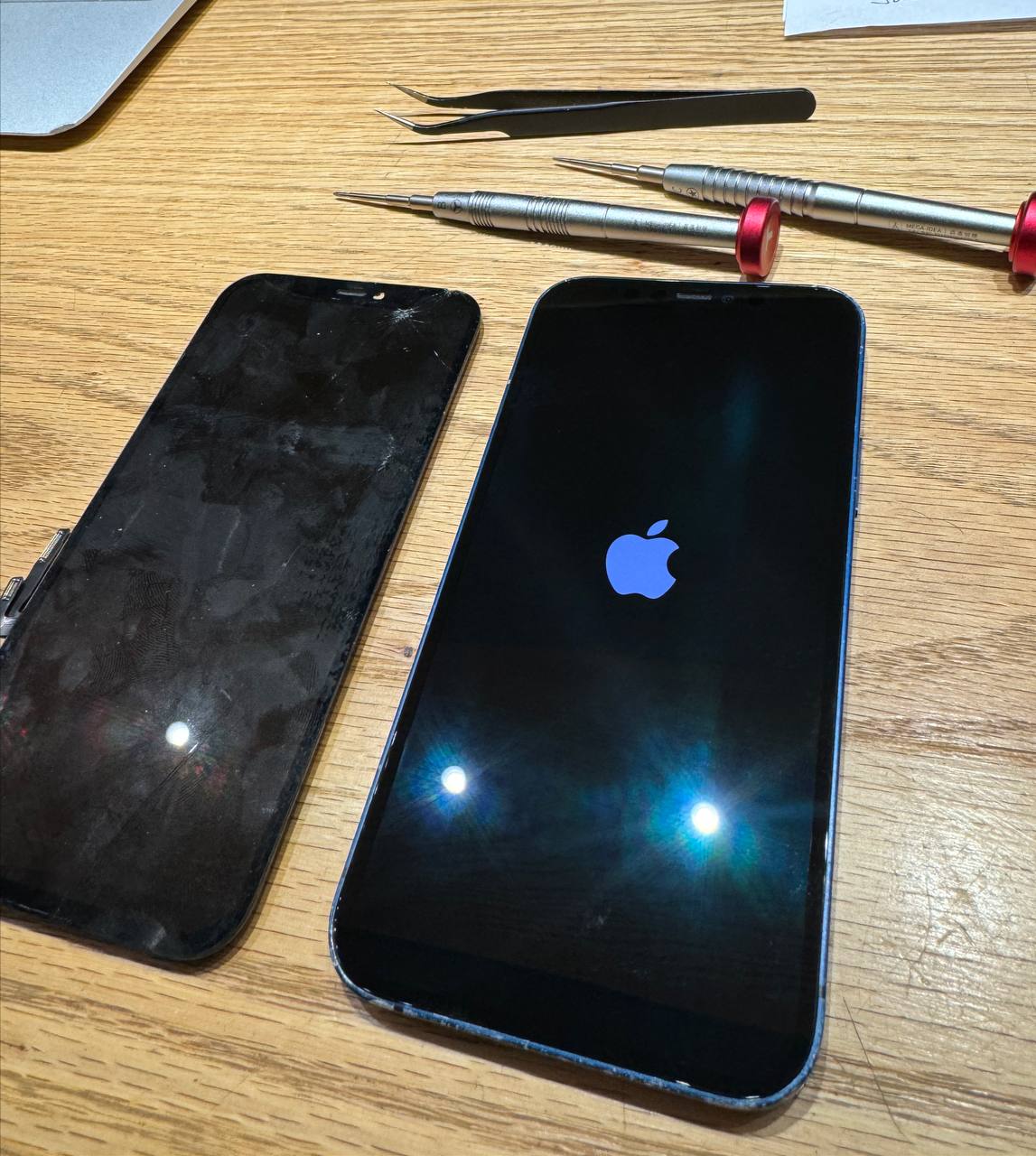
An iPhone screen repair in progress on a real repair bench.
Useful context
A photograph can help explain what repair work looks like. It is not evidence of the diagnosis or outcome for another device.
This image shows a device during screen repair at a workbench. The phone is already being worked on; it is not a customer instruction to open a device.
A similar-looking crack can come with different display or touch problems. The visible glass alone cannot establish whether other parts were affected by an impact.
Describe the damage and any change in touch, display, charging, or camera behavior. Ask which checks are appropriate and discuss the proposed work before approval.
The next step
Your description of the device matters more than how closely it resembles a repair photograph.
Contact the right storeMention where the glass is cracked or lifting and whether the frame looks bent. Do not press on a lifted screen or attempt to open the phone.
If it is safe to use the device, note whether touch responds, the image is normal, and the issue is constant or intermittent. Do not continue charging a device that is hot or visibly swollen.
Use the screen guide and locations page to begin a conversation. The store can explain the assessment and the information needed for your particular phone.
Questions and answers
Yes. The approved image shows an iPhone screen repair in progress on a real repair bench.
No exact model or completed result is asserted. It shows work in progress and should not be used to infer the repair your device needs.
No. It is a view of repair work, not a sequence of disassembly or replacement instructions. Use the screen guide to prepare questions for the store.